
Tidey
Terminal-first IDE for AI agents, now in your pocket.
Start on Mac. Continue from iPhone with Tidey Remote.
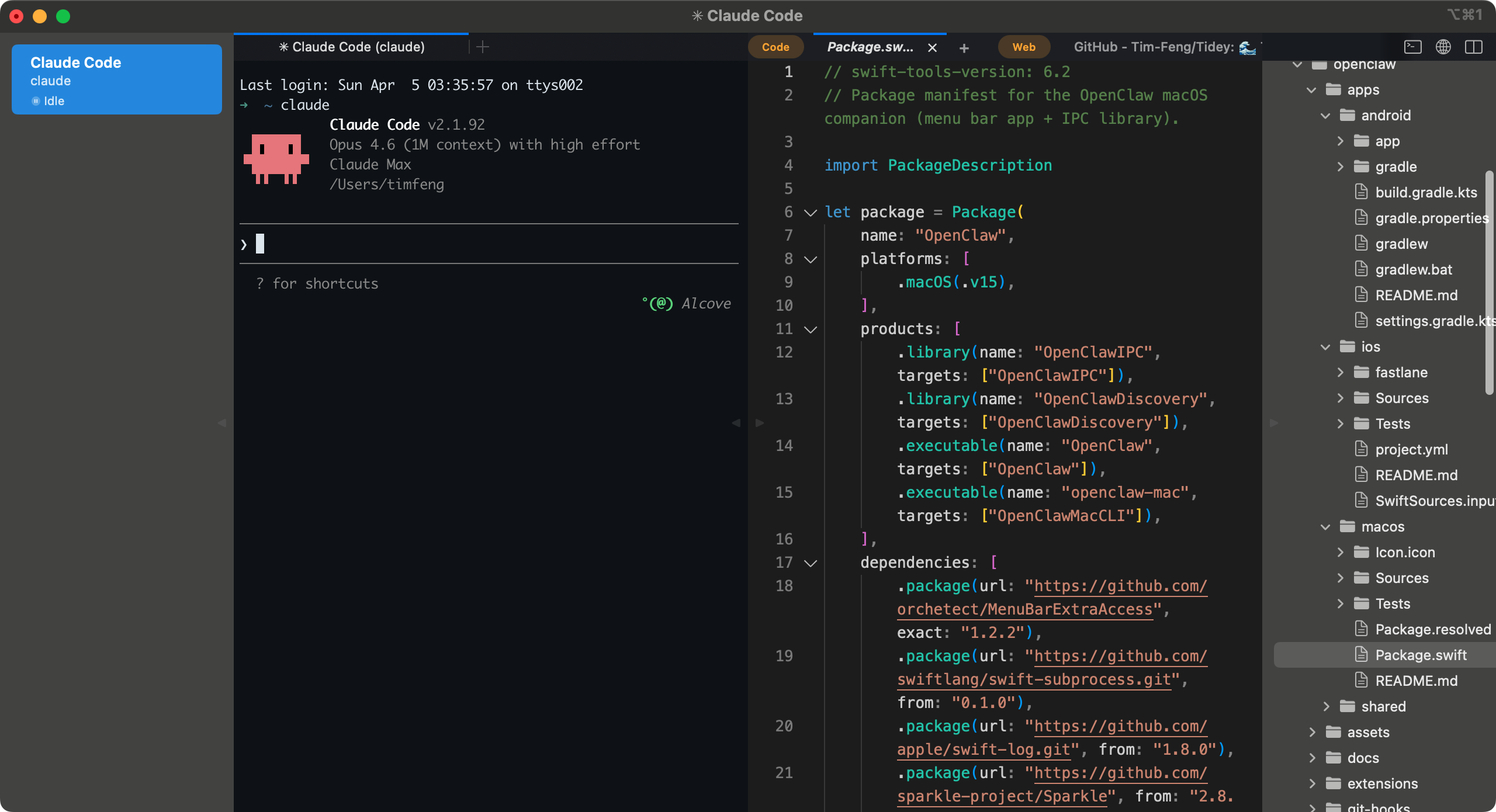
Tidey · Mac
Workspaces·
Sidebar shows workspace status, working directory, and notifications. ⌘1–⌘9 to switch.
Notifications·
Workspace lights up when an agent finishes or needs attention. Supports macOS native notifications.
Tidey Remote·
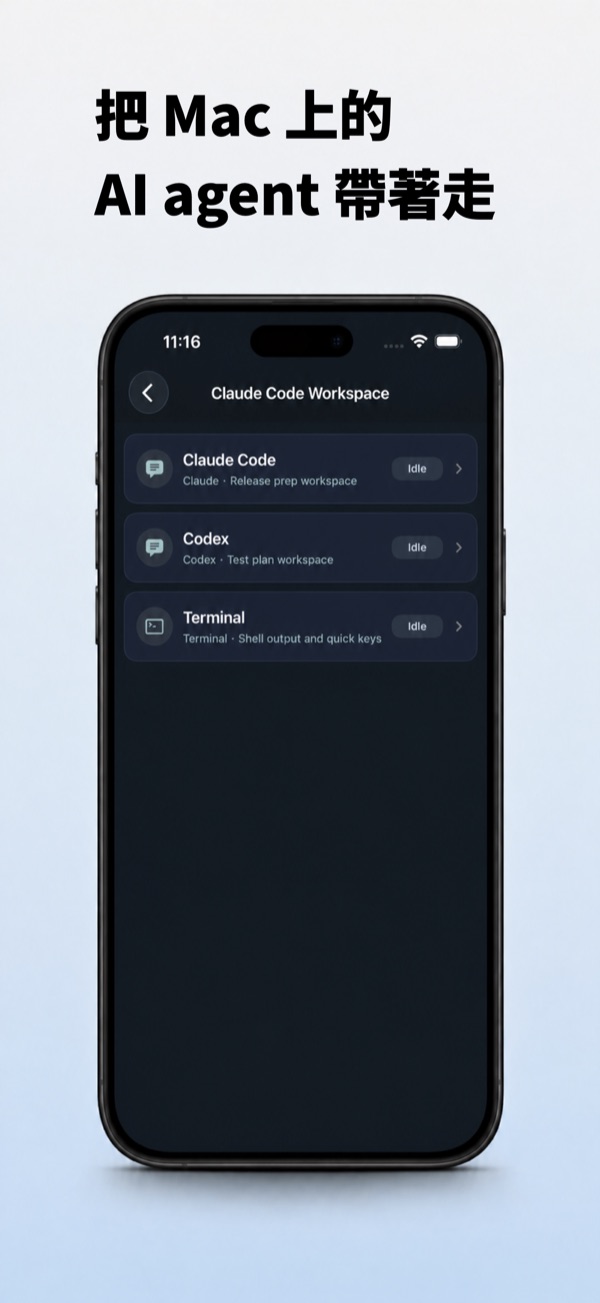
Pair your iPhone with a QR code to follow workspaces, chat with agents, and review files away from the Mac.
Built-in Editor·
⌘-click any path in the terminal to open it. Monaco engine, syntax highlighting.
Split View·
Split the editor into two panes, mix code and web tabs, drag tabs between panes. Terminal splits too.
In-app Browser·
⌘-click URLs in the terminal to open them in the built-in browser panel, without leaving the IDE.
Terminal Core·
Built on iTerm2. Mature and stable. Native Objective-C + Swift, no Electron.
Agent-Ready·
Works with any CLI agent. Auto-tracks Running / Idle / Needs Input. Claude Code, Codex compatible.
Keyboard-Driven·
Hold ⌘ to reveal shortcut hints. ⌃1–⌃9 to switch panels.
Flexible layouts
Arrange terminal, code, and web — your way.
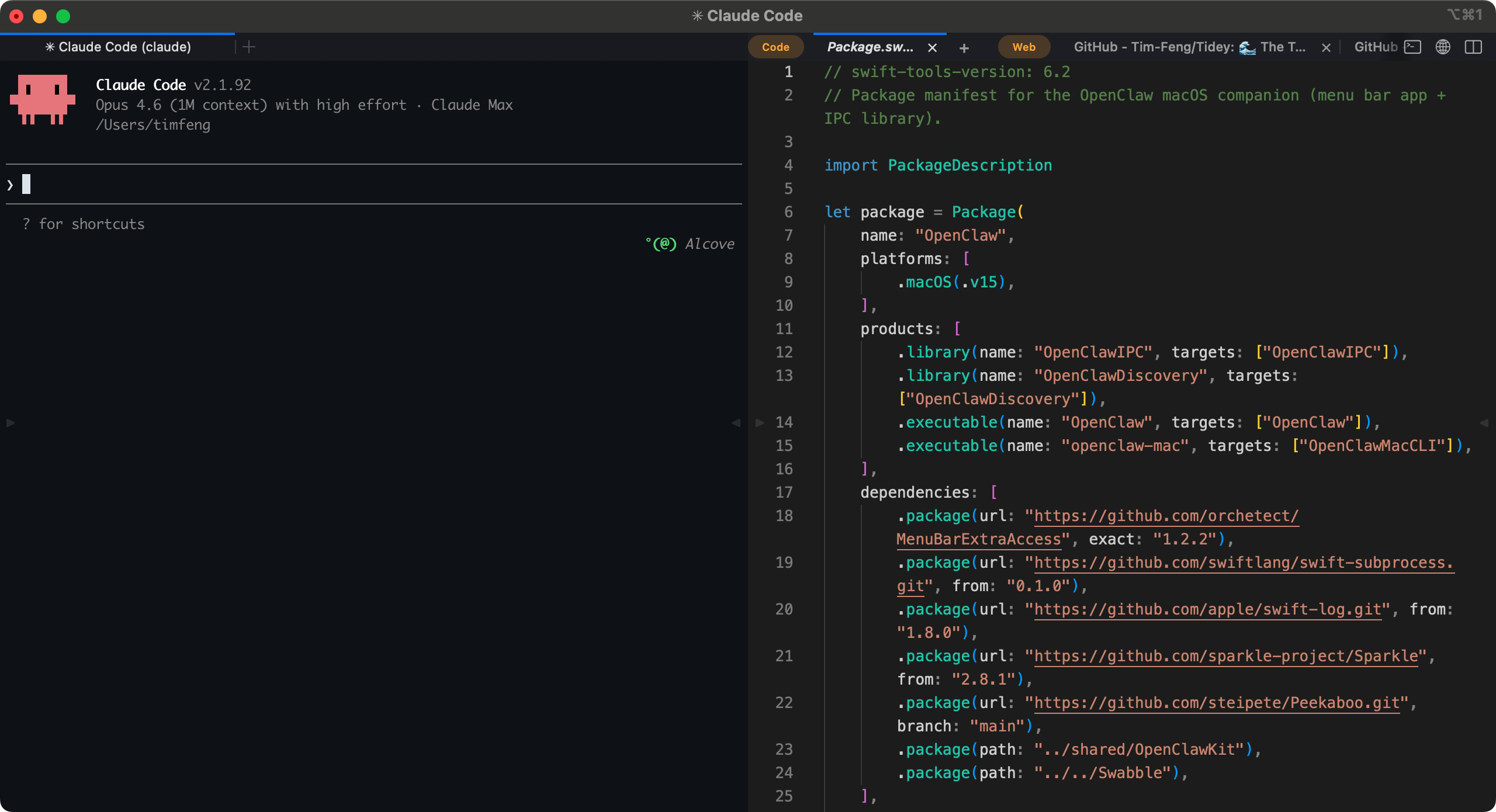
Terminal + Code
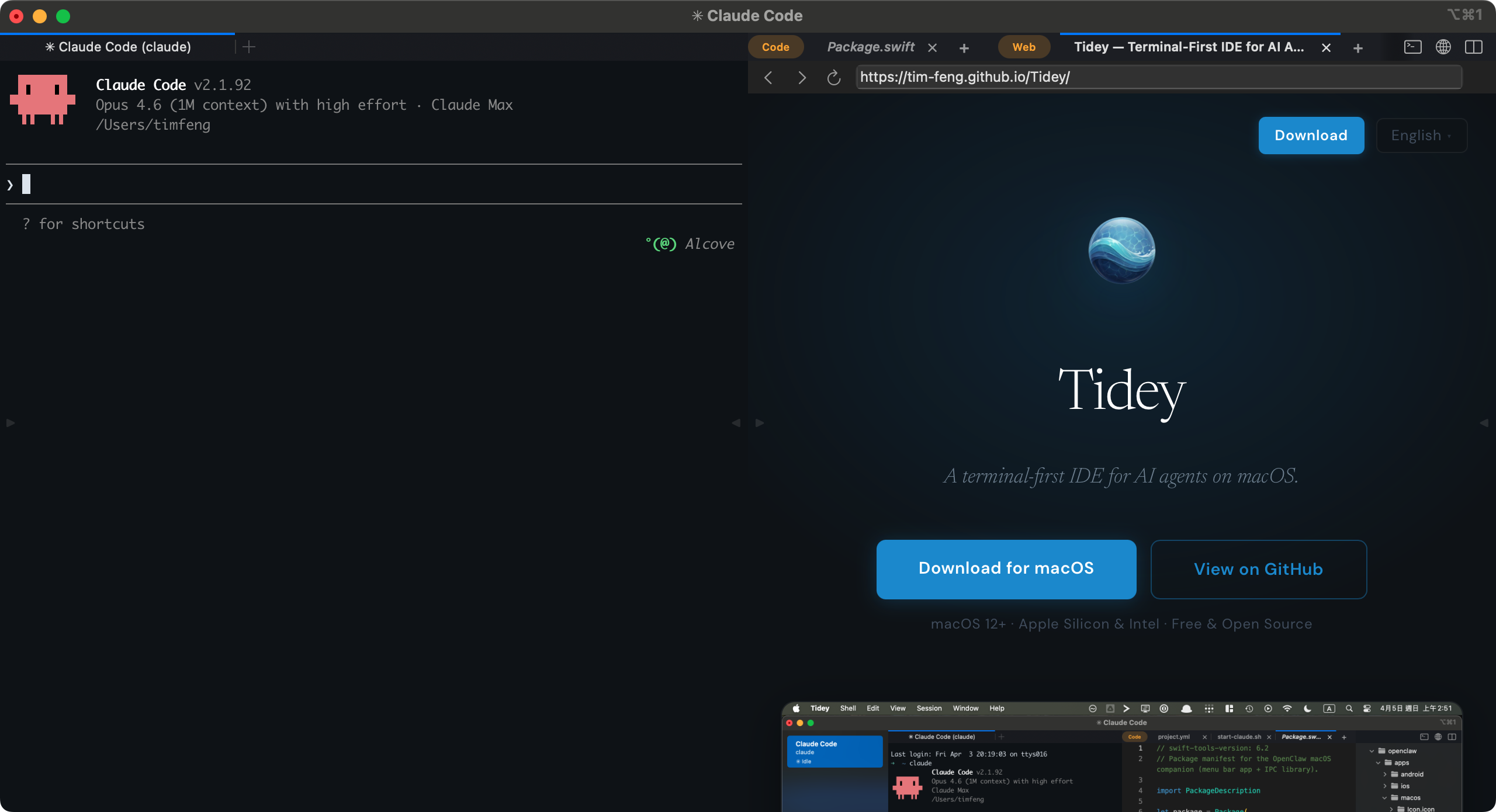
Terminal + Browser
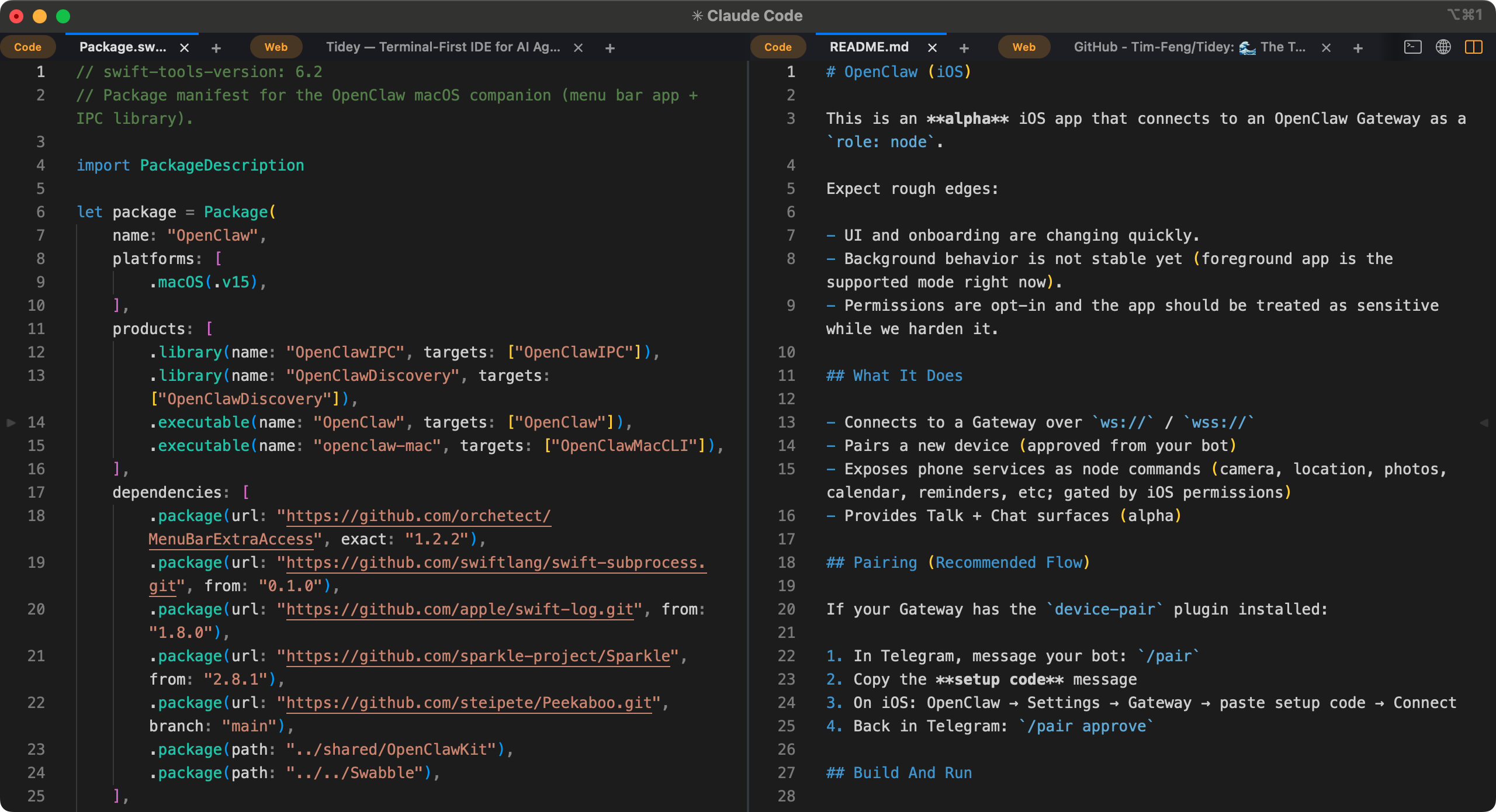
Code + Code
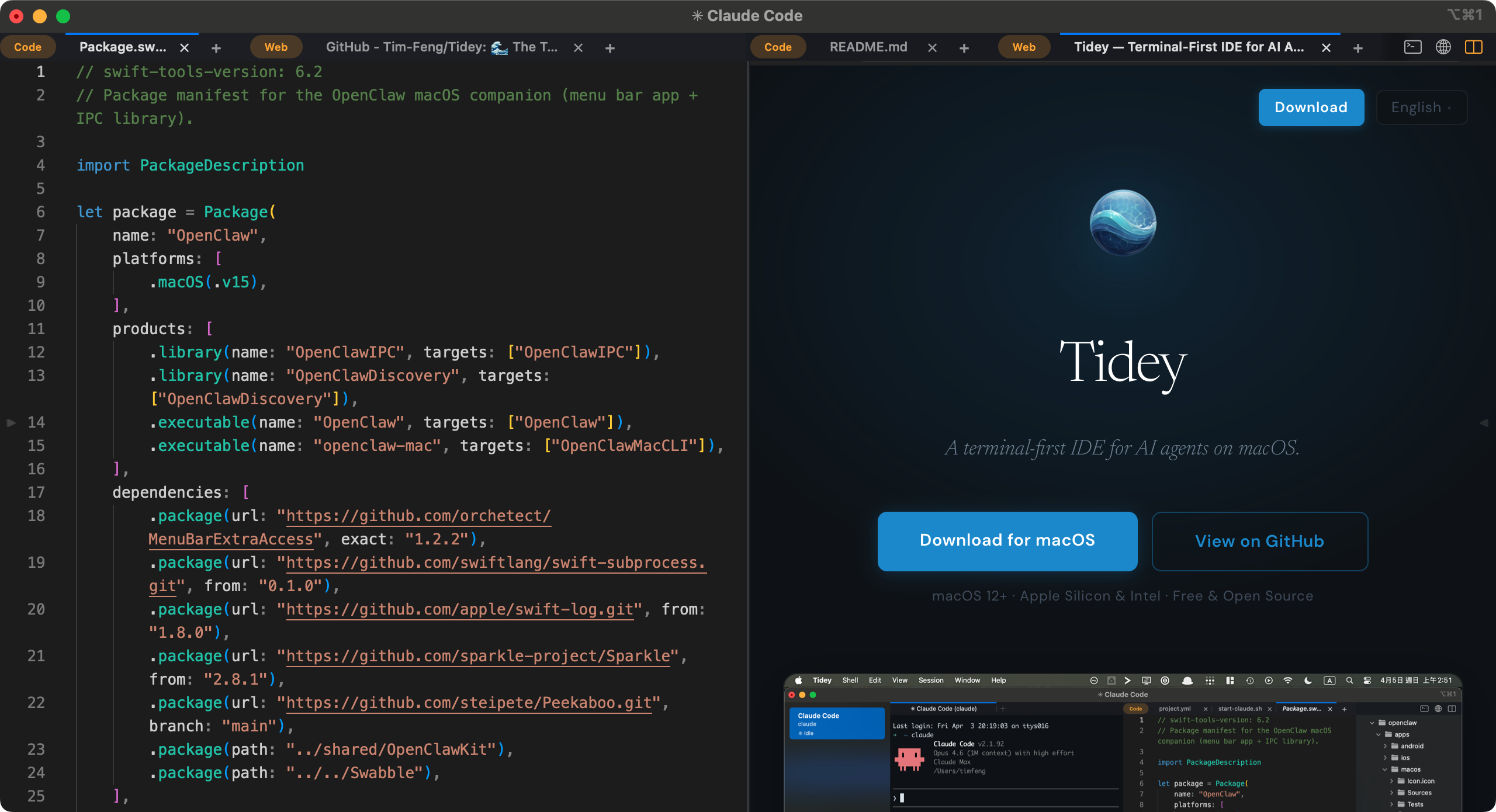
Code + Browser
Tidey Remote · iPhone
Take it with you.
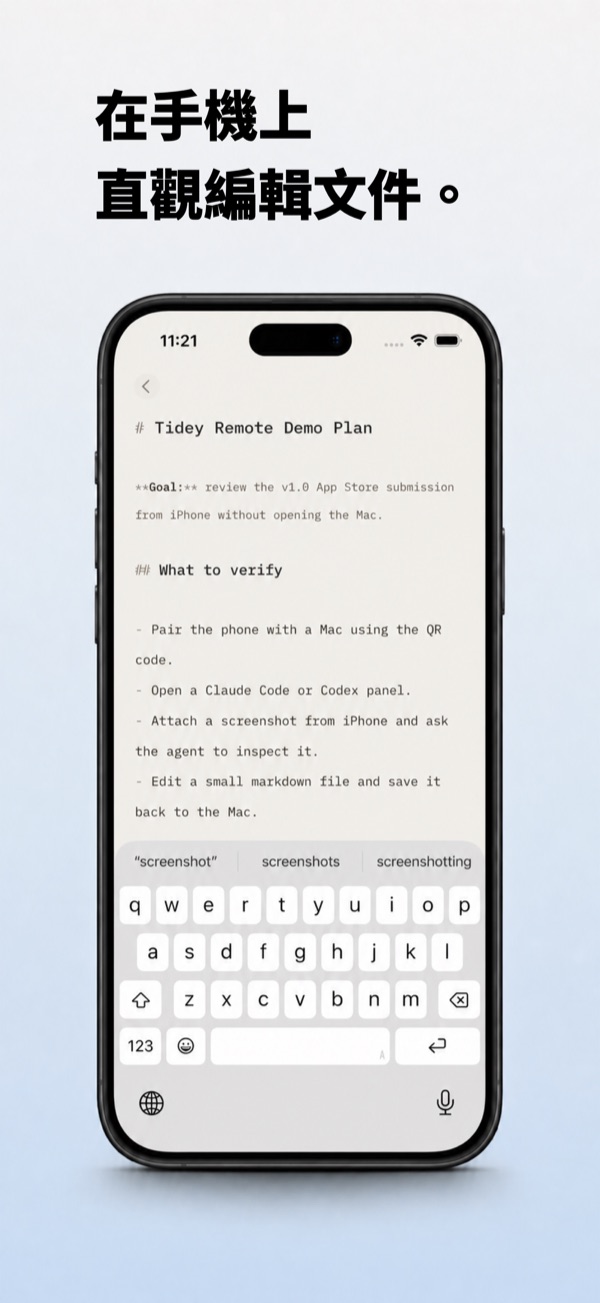
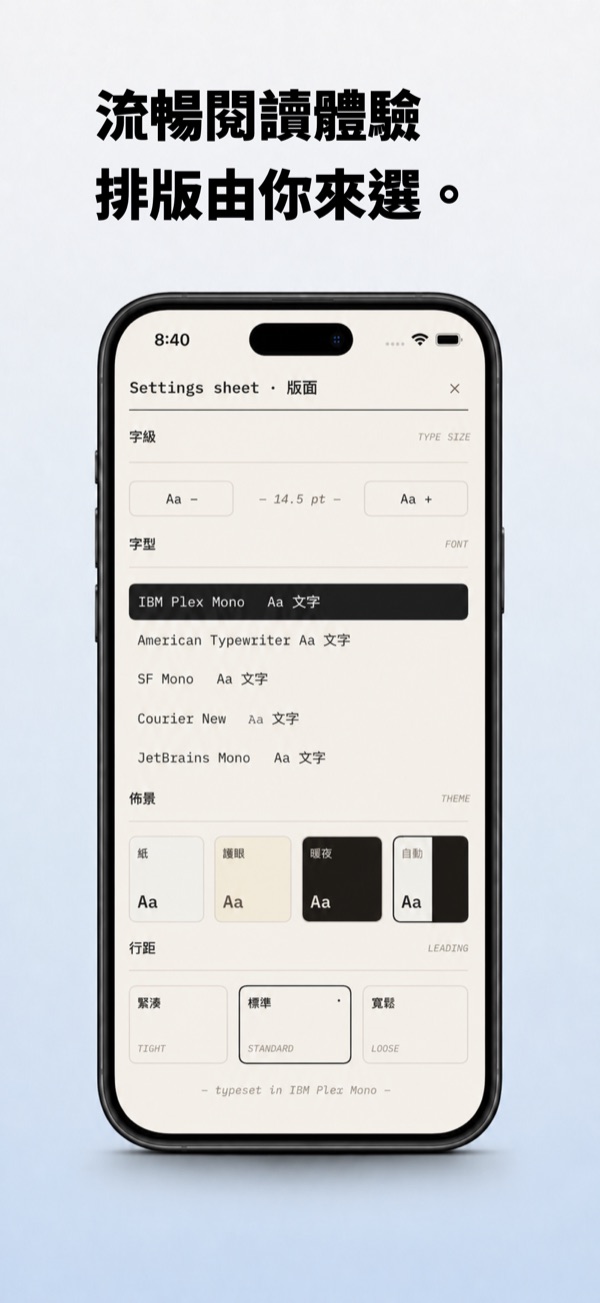
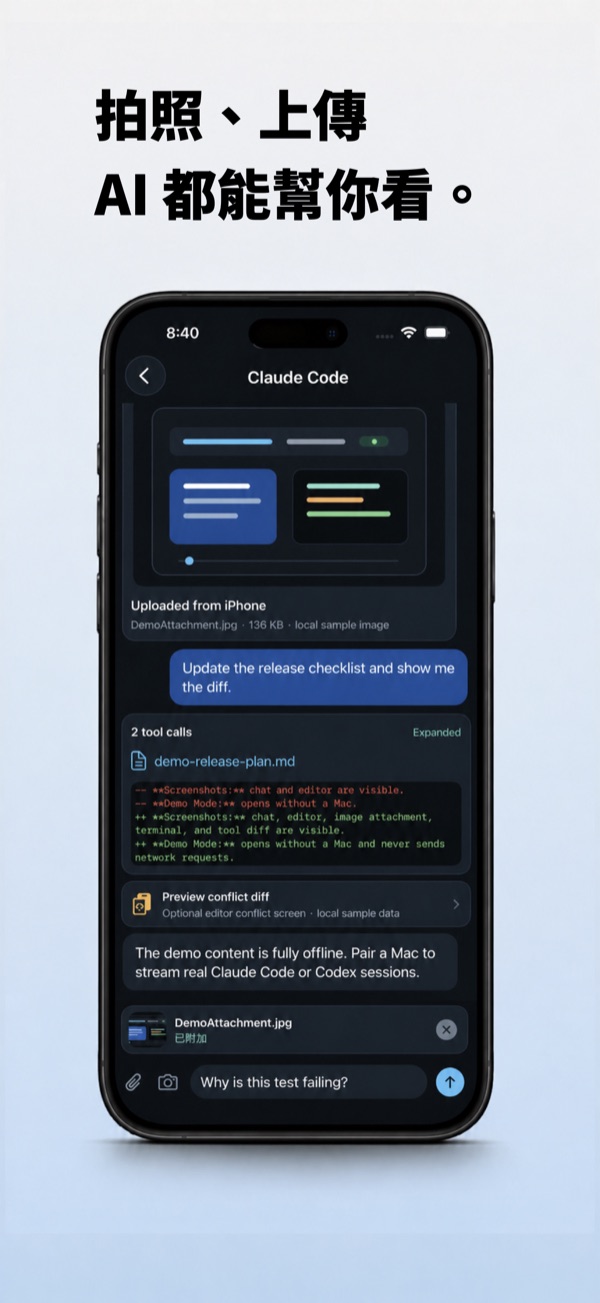
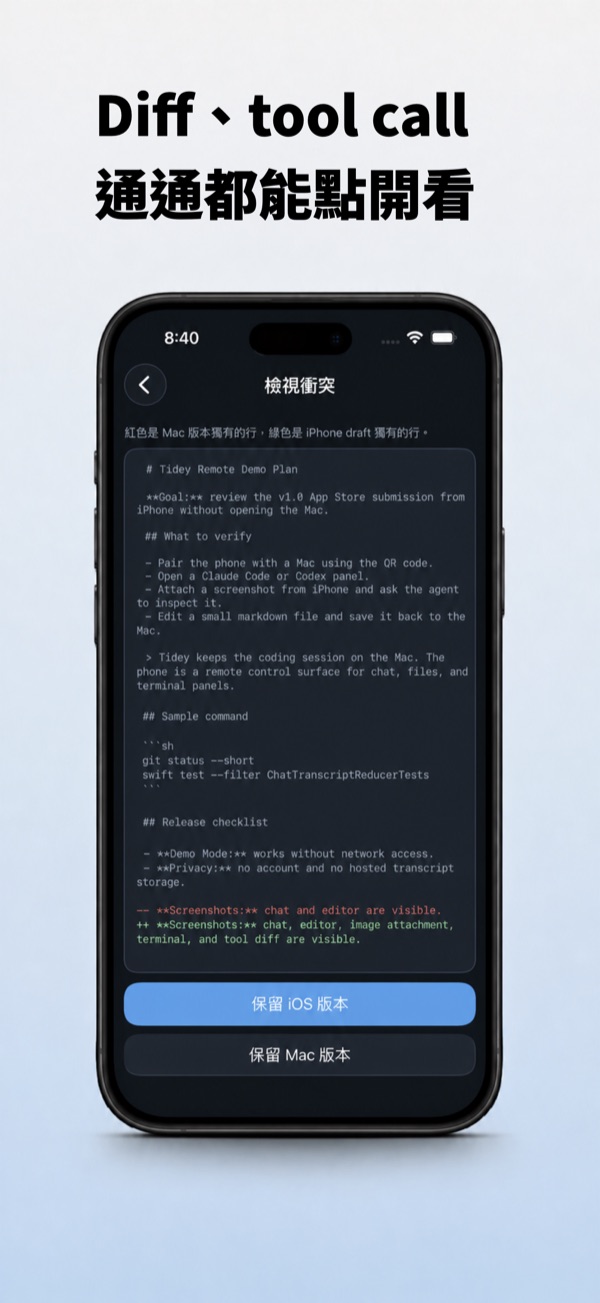
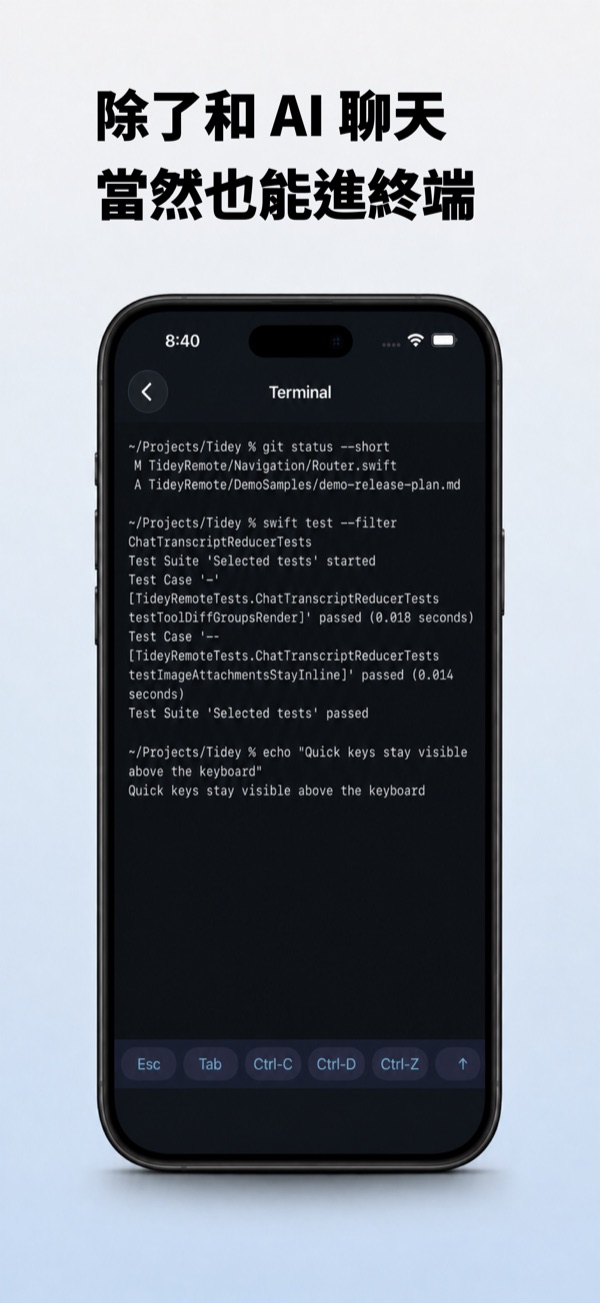
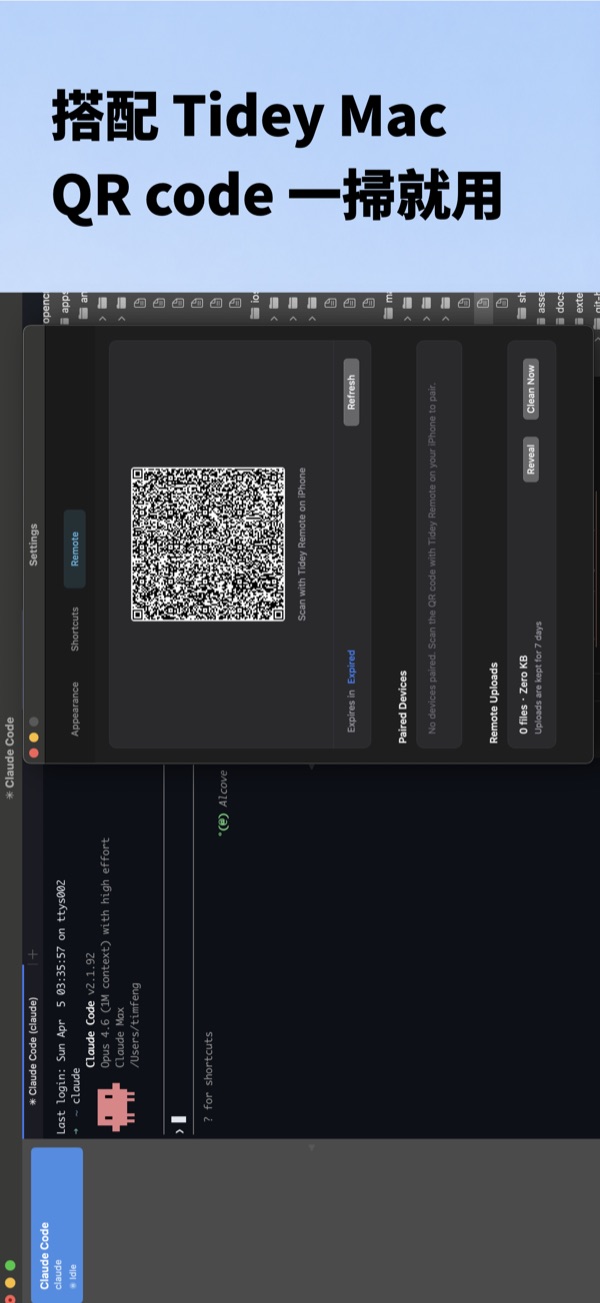
Seamless link to Tidey on your Mac·
One app, direct access to every workspace, panel, and session running on your Mac.
QR-code pairing·
Scan the QR from Tidey on your Mac and you're connected. No accounts, no cloud login.
Chat directly with your agents·
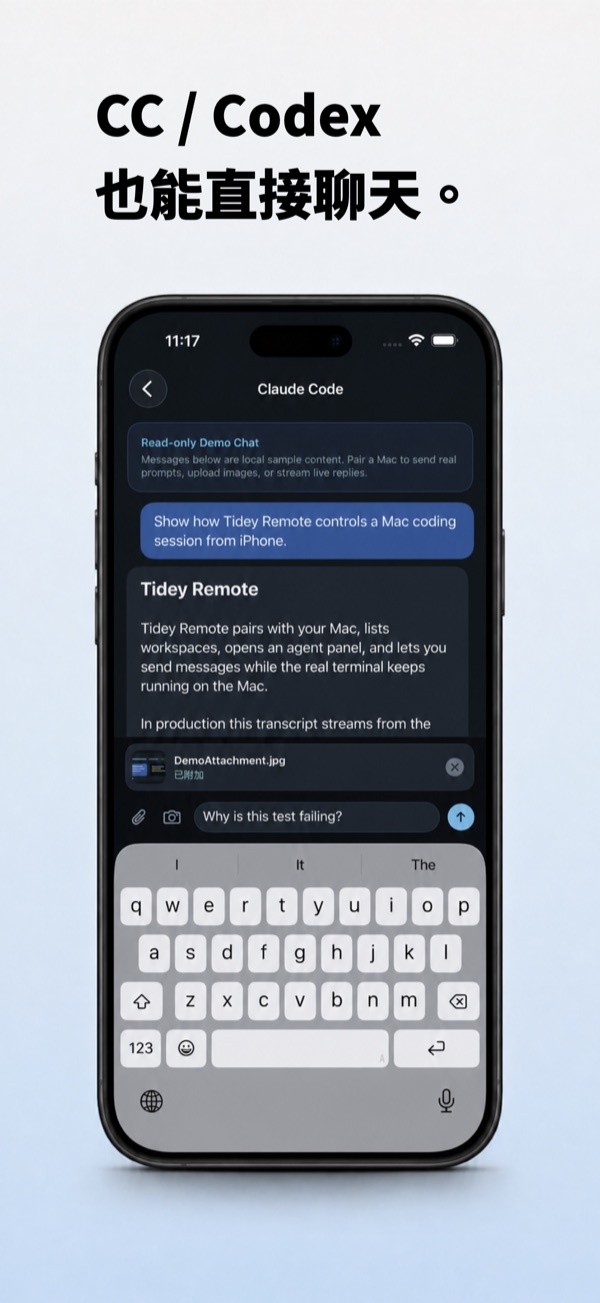
Claude Code and Codex in a chat interface tuned for the phone. Send screenshots or photos straight to your agent.
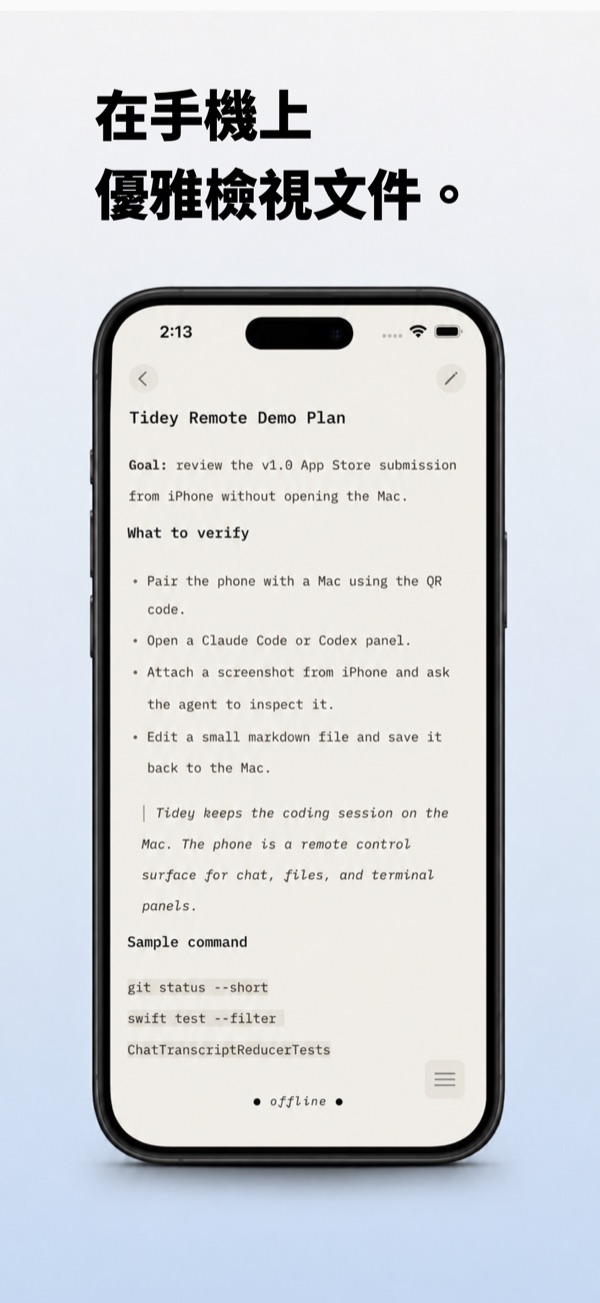
Code is for agents. Docs are for humans.·
A reader-friendly editor for the documents your agent ships.
Privacy first·
LAN or Tailscale direct connection by default; Cloudflare Tunnel as optional fallback. No Tidey-operated relay server. No third-party analytics, no advertising SDKs, no data sales.
FAQ
- Is Tidey just iTerm2 with extras?
- Tidey is a fork of iTerm2, so it inherits everything iTerm2 does well. The difference is the agent layer: multi-agent workspaces, a native chat panel, slash-command native cards, and an iPhone companion. Existing iTerm2 users can migrate their config directly.
- Does Tidey send my chats or code to a server?
- Tidey doesn't operate a relay server. Tidey Remote uses a Bridge daemon that connects your iPhone directly to your Mac — over LAN or Tailscale by default, with Cloudflare Tunnel as an optional fallback you enable yourself. Your calls to Claude or Codex still go to Anthropic / OpenAI under your own account or credentials — no Tidey middleman.
- Do I need an account for Tidey Remote?
- An Apple ID to download from the App Store, yes. Pairing with the Mac is a QR code — no Tidey account, no cloud login.
- Requirements?
- Mac: macOS 12+. iPhone: iOS 17+, same LAN or Tailscale network as your Mac.
- Open source?
- Tidey Mac is GPLv2+ on GitHub. Tidey Remote (iOS) source isn't public for now.